 DeskWrench
 Powered by TORQUE
Sign In →
Powered by TORQUE
Sign In →
Powered by TORQUE
Sign In →
Powered by TORQUE
Sign In →

Everything below ships with every account. No upsells, no "Pro" plan behind another paywall. We grouped it by who reaches for it most — the desk, the bay, and the office.
The desk is where the day flows or falls apart. DeskWrench is built so the writer never has to leave the editor.
Estimate, Repair Order, Invoice — same screen, autosaves as you type, converts in one click. Stage pills show exactly where you are.
Type a plate or paste a VIN, hit Decode — year, make, model, and engine pull from NHTSA before the customer finishes their name.
Type rough notes; TORQUE rewrites them into a clean, customer‑facing concern. Every rewrite is undoable.
Order from any supplier you already use. Parts come back onto the RO automatically. Margin auto‑calculates.
Text the estimate. Customer taps Approve or Decline per job. You see it in real time, with a timestamped trail.
Customer pays from the same approval link. Funds hit your account, receipt auto‑emails. Connect Stripe in ninety seconds.
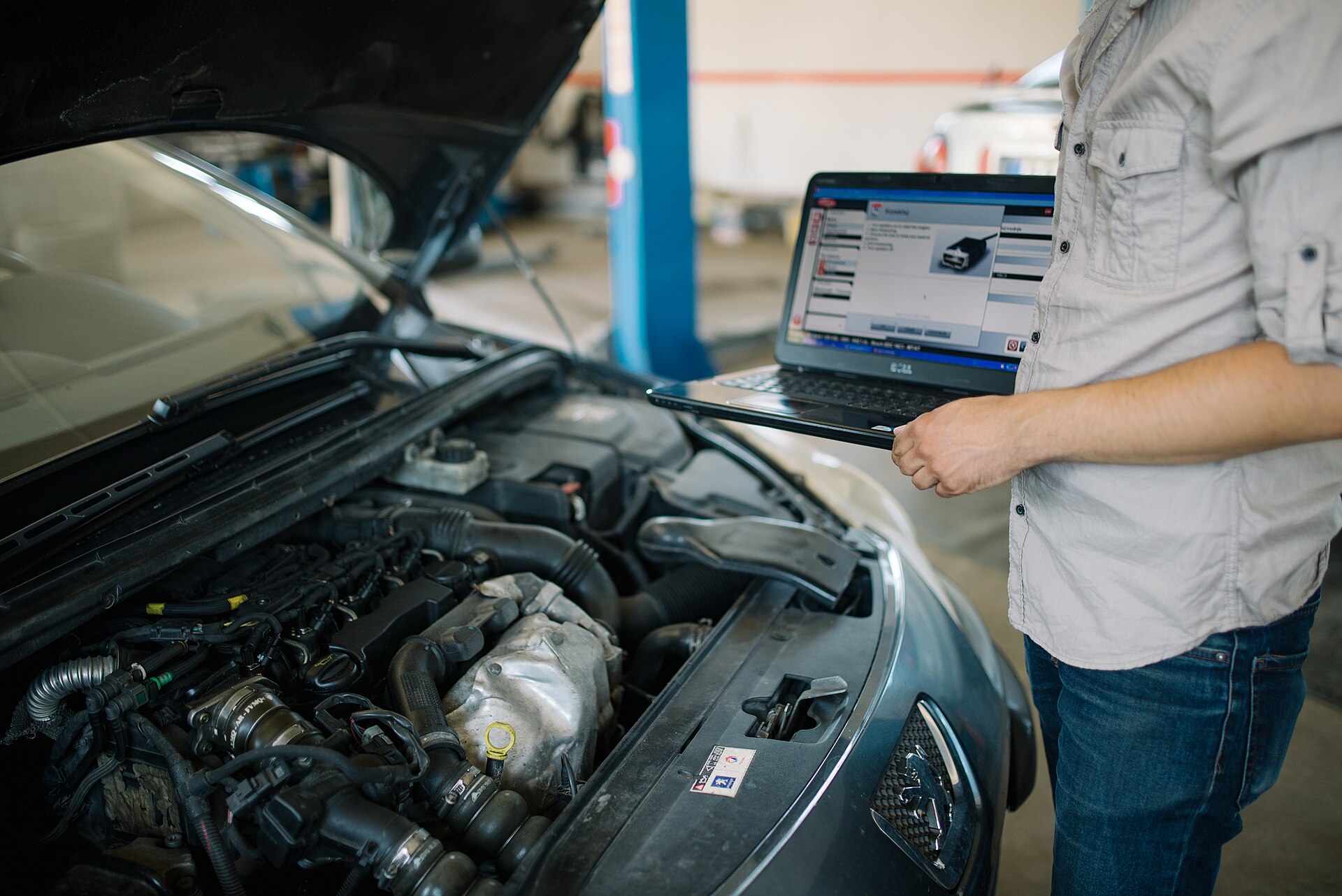 For the tech
Most shop software treats the tech app like an afterthought. We built ours first — on a phone — then made the desk match. Every screen is thumb‑friendly, fast, and built for grimy hands.
Scan the QR on the RO; the inspection opens in one tap. Per‑item Good / Fair / Attention / N/A, photos, and per‑item notes.
Some things don't fit the checklist. The Misc bin holds extra photos and a freeform note — leaks, parts to flag, anything worth a picture.
The tech writes one summary; the writer sees it on the RO in a DVI Findings panel, alongside every flagged item and photo.
Techs clock into specific jobs from the inspection page. Hours attribute to each RO for billed‑vs‑clocked efficiency.
You can't always walk the bays. DeskWrench gives you the same picture from your office, your phone, or a TV on the wall.
Live, color‑coded: every car in bay with a timer, every car waiting on parts or approval, today's appointments, day‑end totals. Yellow at one hour, red at four.
Pre‑tax sales, tax collected, A/R aging, tech efficiency, parts margin per RO. Tax‑exempt handled right. One‑click QuickBooks export.
Clock hours and billed hours in one place. Pick a pay period, see what every tech earned, export.
Reminders, approvals, payments, follow‑ups through your own number. Replies route to the right RO. Comeback detection flags repeats.
Browser‑based, real‑time sync. When the tech updates a job, the writer's screen updates without a refresh.
Bring history from Tekmetric, Shopmonkey, Mitchell, or wherever you are. Customers, vehicles, ROs, line items, tax info.
We didn't put it under a feature category. It runs through all of them.
First 100 shops lock in early‑access pricing for life — from $119/mo — and get a direct line to the team during setup.